PDF417 barcode scanner SDK for .NET
Read and generate PDF417 barcodes in your .NET applications across 100+ image formats, including TIFF and PDF. Configure encoding modes, error correction levels, and matrix dimensions (3–90 rows/columns) for high-capacity data storage. Extract metadata, including text content, orientation, size, and structural information.
PDF417 recognition and generation
PDF417 is an ISO-standard 2D barcode with high data capacity and error correction. This SDK enables recognition and generation across 100+ image formats, with configurable encoding modes, automatic error correction levels, and flexible matrix dimensions.
Format support
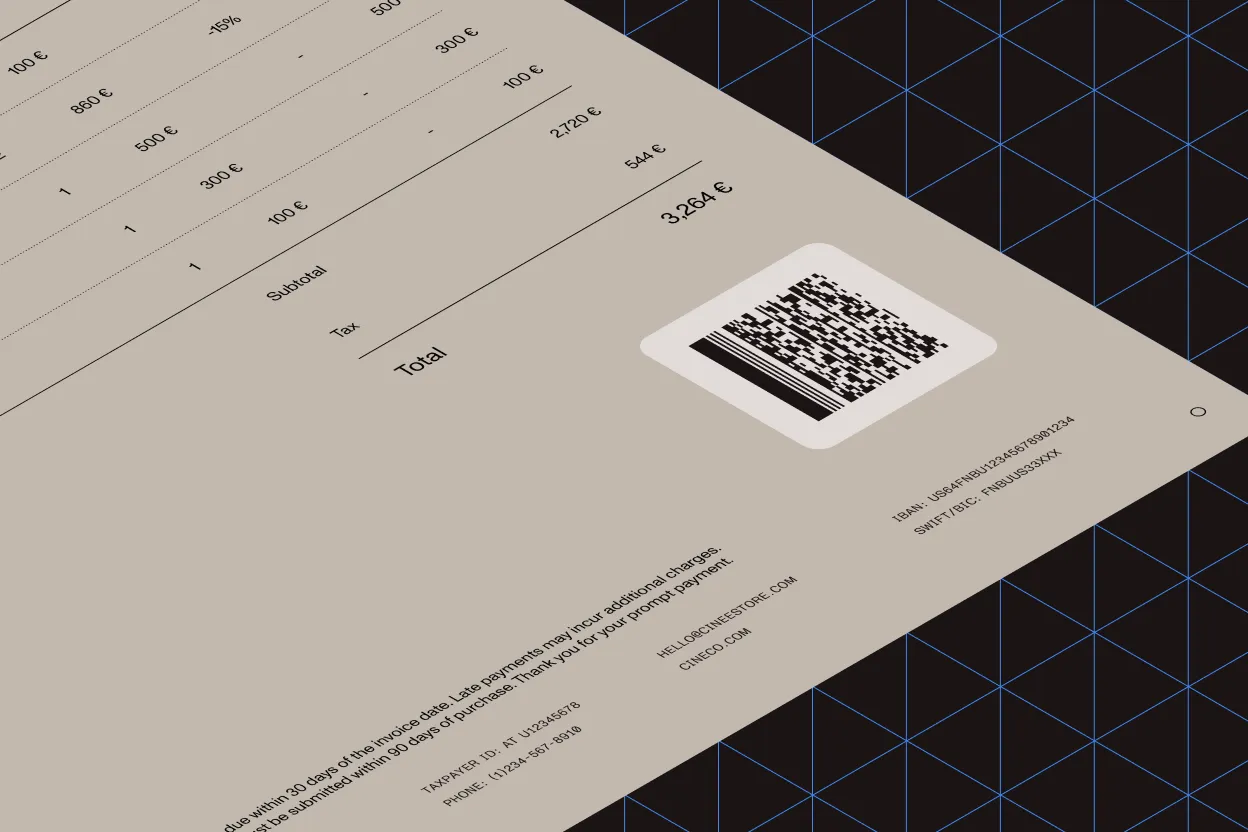
Recognize and generate PDF417 barcodes across 90+ image formats, including PDF, TIFF, JPEG, and PNG. Decode codes from black and white, grayscale, palletized, and color images — full-page or region-specific detection.
Output details
Returns the decoded string value and precise bounding box coordinates (top-left, top-right, bottom-left, bottom-right) for each recognized PDF417 barcode, enabling accurate positioning and validation.
Structural data
Extract matrix dimensions with row and column count for each PDF417 barcode. Structural metadata supports format validation, quality control, and ensures compliance with expected barcode specifications.
High performance
Built-in error correction enables recognition of partially damaged symbols, while AnyCPU architecture and multithreaded processing deliver scalable performance across 32-bit and 64-bit environments.
GET STARTED
How to use
Download and install the GdPicture.NET package to access compiled demo applications and multi-language sample projects with full source code.
Explore demo apps
Find compiled demo applications in
\Samples\Bin\.Explore multi-language source code
Find C# and VB.NET demo apps and source code in
\Samples\WinForm\.Visit reference guide
Explore other code snippets within the online reference guide.
Example of usage
The example scans PDF417 barcodes and then writes their values to the console.
using GdPictureImaging gdpictureImaging = new GdPictureImaging();// Select the image to process.int imageID = gdpictureImaging.CreateGdPictureImageFromFile(@"C:\temp\source.png");// Scan the barcodes.gdpictureImaging.BarcodePDF417ReaderDoScan(imageID);// Determine the number of scanned barcodes.int barcodeCount = gdpictureImaging.BarcodePDF417ReaderGetBarcodeCount();string content = "";if (barcodeCount > 0){ content = "Number of barcodes scanned: " + barcodeCount.ToString(); // Save the value of each barcode. for (int i = 1; i <= barcodeCount; i++) { content += $"\nBarcode Number: {i} Value: {gdpictureImaging.BarcodePDF417ReaderGetBarcodeValue(i)}"; }}// Write the values to the console.Console.WriteLine(content);// Release unnecessary resources.gdpictureImaging.BarcodePDF417ReaderClear();gdpictureImaging.ReleaseGdPictureImage(imageID);Using gdpictureImaging As GdPictureImaging = New GdPictureImaging() ' Select the image to process. Dim imageID As Integer = gdpictureImaging.CreateGdPictureImageFromFile("C:\temp\source.png") ' Scan the barcodes. gdpictureImaging.BarcodePDF417ReaderDoScan(imageID) ' Determine the number of scanned barcodes. Dim barcodeCount As Integer = gdpictureImaging.BarcodePDF417ReaderGetBarcodeCount() Dim content = "" If barcodeCount > 0 Then content = "Number of barcodes scanned: " & barcodeCount.ToString() ' Save the value of each barcode. For i = 1 To barcodeCount content = content & vbLf & "Barcode Number: " & i.ToString() & " Value: " & gdpictureImaging.BarcodePDF417ReaderGetBarcodeValue(i).ToString() Next End If ' Write the values to the console. Console.WriteLine(content); ' Release unnecessary resources. gdpictureImaging.BarcodePDF417ReaderClear() gdpictureImaging.ReleaseGdPictureImage(imageID)End UsingTrusted by 3,000+ customers and Fortune 500 companies
15Y+
More than 15 years of experience developing our SDK
10K+
Trusted by more than 10,000 developers
Check out our other barcode technologies
Frequently asked questions
Which document formats are supported for PDF417 barcode recognition and generation?
The SDK supports more than 100 document formats — including TIFF and PDF — enabling seamless integration with various file types.
Can the SDK detect multiple PDF417 barcodes within a single image?
Yes. The SDK can detect and process multiple PDF417 barcodes from black and white, grayscale, palletized, and color images, enhancing efficiency in batch processing scenarios.
What information does the SDK provide upon successful barcode recognition?
Upon recognizing a PDF417 barcode, the SDK returns the decoded string value, the bounding box coordinates (top-left, top-right, bottom-left, bottom-right), the number of rows and columns, and the confidence level of each barcode, facilitating precise data extraction and localization.
Does the SDK support error correction for damaged or partially obscured barcodes?
Yes. The SDK incorporates error correction code (ECC) algorithms, enabling the recognition and reconstruction of partially destroyed symbols, thereby enhancing reliability in real-world applications.
Is the GdPicture.NET PDF417 barcode scanner SDK optimized for high-performance applications?
The SDK is designed for high-speed scanning and is optimized for performance, ensuring rapid barcode detection across various file formats, making it suitable for applications requiring efficient processing.
60-day free trial