
.NET optical mark recognition for forms and surveys
Automate data capture from filled forms, surveys, exams, and questionnaires with optical mark recognition (OMR) technology. Detect marked bubbles, checkboxes, and circles with confidence scoring and anchoring technology that compensates for document rotation and distortion. Process multiple choice tests, survey responses, and ballot forms automatically.
How OMR anchoring works
The GdPicture anchoring system compensates for document positioning variations during batch scanning. An anchor (logo, black rectangle, or solid object) on your form template serves as a reference point. When processing scanned forms, the system locates the anchor, calculates X and Y translation differences from the template position, and automatically adjusts all field rectangles accordingly.
Multiple field shapes
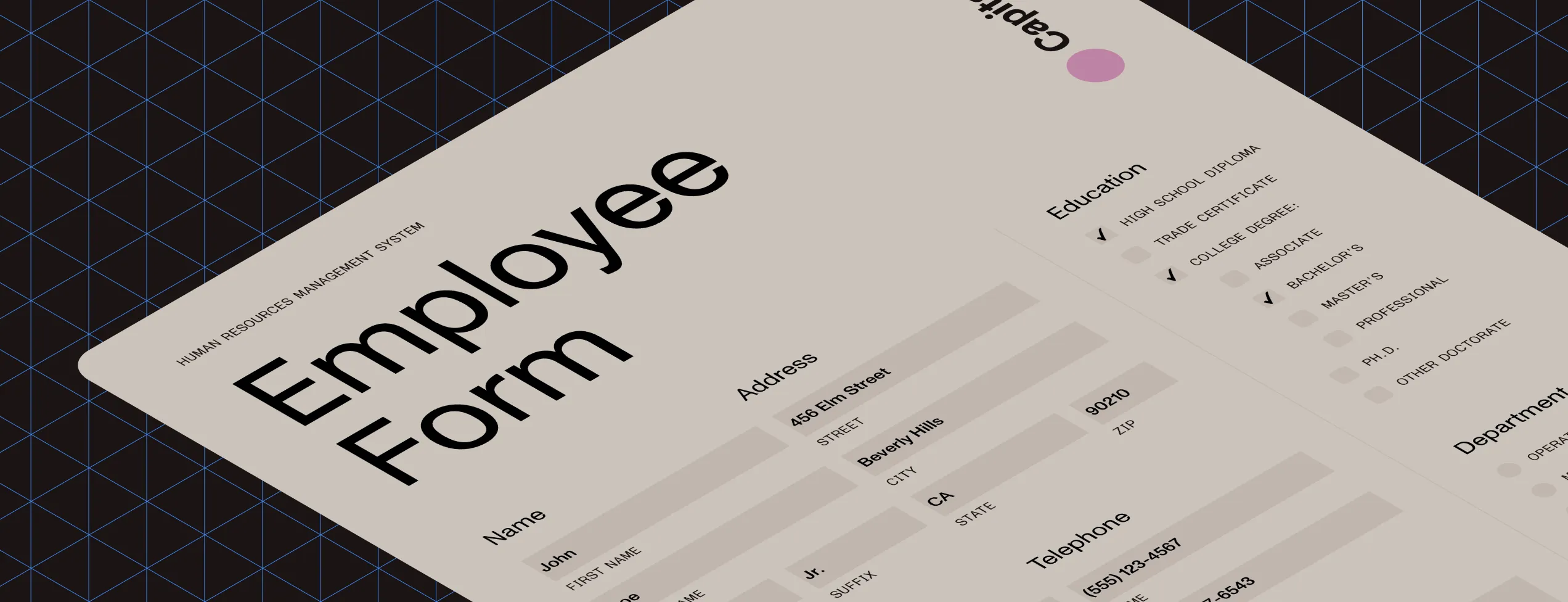
Detect marks in squares, circles, and ovals with or without characters inside. Process multiple choice exams (A, B, C, D), true/false surveys, checkboxes, and fill-in areas. Returns binary results with optional confidence scoring. Configurable sensitivity threshold controls what qualifies as ‘filled’ for quality control.
Speed vs. accuracy modes
Choose between speed-optimized or accuracy-optimized anchor detection based on your workflow needs. A configurable search area (up to 25 times original anchor size) balances throughput and precision. Recommended 200–300 DPI scanning for optimal results.
Enterprise-ready performance
Full 32-bit and 64-bit support with AnyCPU architecture for maximum compatibility. Process arrays of unlimited forms in batch operations. Dynamic multithreading allocates CPU resources automatically for parallel document processing.
Get started
How to use
Download and install the GdPicture.NET package to access compiled demo applications and multi-language sample projects with full source code.
Explore demo apps
Find compiled demo applications in
\Samples\Bin\.Explore multi-language source code
Find C# and VB.NET demo apps and source code in
\Samples\WinForm\.Visit reference guide
Explore other code snippets within the online reference guide.
Trusted by 3,000+ customers and Fortune 500 companies
15Y+
More than 15 years of experience developing our SDK
10K+
Trusted by more than 10,000 developers
Check out our other recognition technologies
Frequently asked questions
Does the OMR SDK handle misaligned or skewed scanned forms?
Yes. Our OMR technology includes an anchoring mechanism, also known as template recognition, to detect and correct misalignments or skewing in scanned forms. This feature ensures that the areas designated for mark detection are accurately aligned, enhancing the precision of data extraction.
Can it process forms with varying layouts or templates?
Yes. Our SDK supports multiple form templates and can automatically recognize and adapt to different layouts. This capability allows for the processing of diverse forms without requiring manual adjustments for each template.
What image quality is required for accurate OMR processing?
For optimal accuracy, it’s recommended to scan forms at a resolution of 200–300 DPI (dots per inch). High-resolution images ensure marks are clearly distinguishable, reducing the likelihood of misinterpretation during processing.
How does it differentiate between intentional marks and random artifacts?
Our SDK utilizes advanced algorithms to analyze the density and shape of marks within designated areas. By setting threshold levels, the software can distinguish between deliberate marks (such as filled checkboxes) and random artifacts (like stray dots or specks), ensuring accurate data capture.
Is it possible to integrate this SDK with other data management systems?
Yes. Our SDK has integration capabilities with various data management systems, such as databases, learning management systems (LMS), and customer relationship management (CRM) platforms. This integration facilitates seamless data transfer and streamlines workflows, enhancing overall operational efficiency.
What are the primary applications of OMR software across different industries?
OMR software is utilized in various sectors for tasks such as grading exams in educational institutions, conducting surveys and assessments in market research, processing ballots, and managing data collection in healthcare settings. Its ability to efficiently process large volumes of data makes it a valuable tool across these diverse applications.
60-day free trial