
.NET PDF viewer SDK
Embed PDF viewing, printing, and annotation into your .NET, WPF, or web applications. Search, highlight, extract content, convert pages to bitmap, and navigate with bookmarks — all with fast rendering and high visual fidelity.
PDF viewing capabilities
A high-performance, standards-compliant PDF viewer that offers fast rendering, broad platform support, and advanced display options. It provides secure document handling with full text, font, and color capabilities for reliable PDF processing.
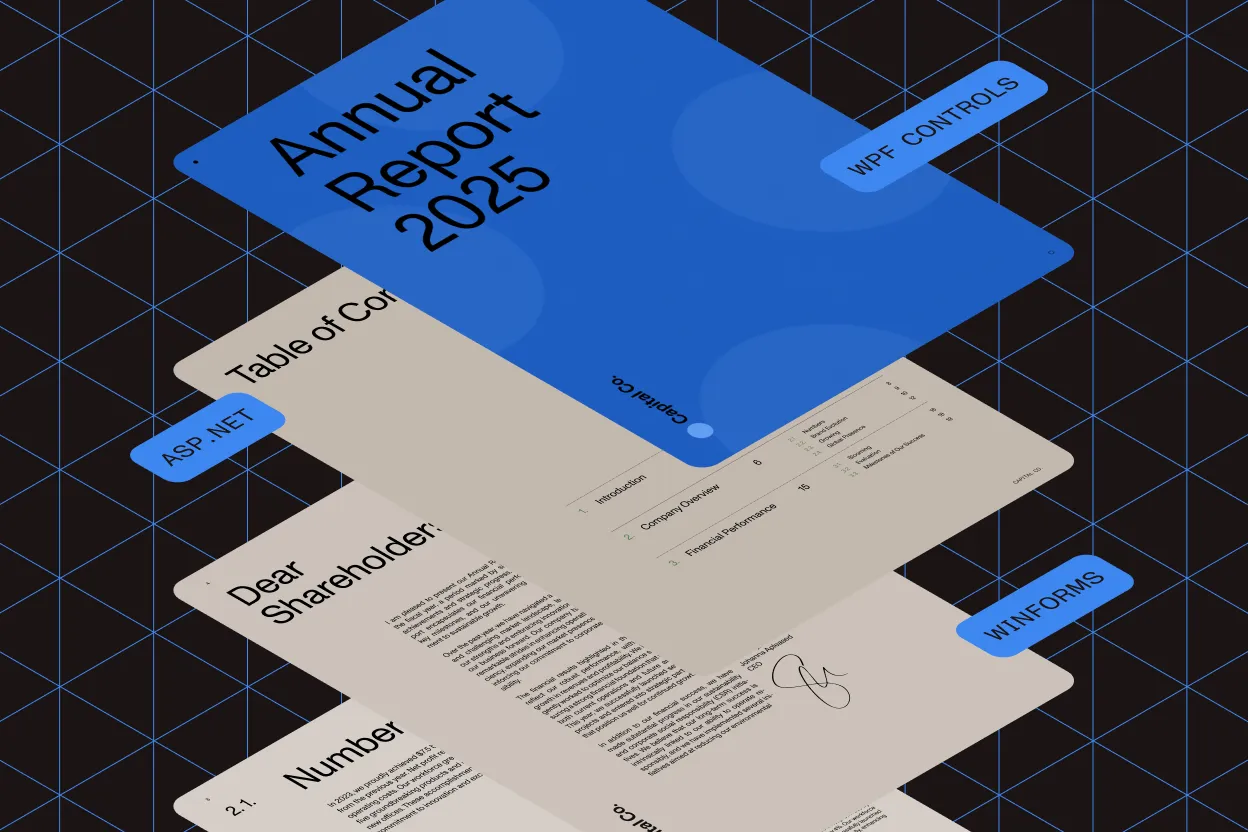
- ASP.NET/HTML5 WebForm
- WinForms (.NET and COM/ActiveX)
- WPF controls
- MAUI controls
Rendering performance
Delivers a blazing-fast rendering engine with high-quality rendering and printing. It provides high-speed PDF loading for all types of documents.
Input sources
Displays PDFs from multiple sources, including files, streams, memory RAW, byte arrays, and strings. It also supports loading PDFs from HTTP servers and FTP servers for flexible integration options.
Format compliance
Provides full Unicode support and complies with PDF/A and PDF ISO 32000 (PDF 1.7) standards. It also supports PDF 2.0 to ensure compatibility with both modern and archival PDF standards.
Font coverage
Supports all font types, including TrueType, Type0, Type1, Type3, and OpenType. It provides dedicated CJK font support for comprehensive multilingual rendering.
Compression handling
Supports all compression schemes, including LZW, Flate, RLE, CCITT Fax, JBIG2, DCT, and JPEG-2000. It also supports pattern and shading to ensure accurate visual output.
Visual rendering
Supports all color spaces, including Gray, RGB, CMYK, LAB, ICC-based, Indexed, Pattern, Separation, and DeviceN. It handles all text rendering modes such as Filled, Stroked, and Clipped. Additional features include support for large PDFs, large embedded bitmaps, transparency, and PDF annotation rendering (form fields).
Viewing navigation
Includes support for outline navigation, links, and bookmarks. It offers multiple printing orientations, including landscape, portrait, and automatic settings with all printing features. Users can select any PDF page for viewing, printing, or text extraction.
Security tools
Supports all encryption schemes, including RC4 40-bit, RC4 128-bit, AES 128-bit, and AES 256-bit. It handles password-protected encrypted PDF documents and enables users to select or extract text from PDFs, whether full-page content or text within a specific area. Users can also search PDFs for specific text strings.
Utility features
Can generate high-quality thumbnails for quick previews and convert viewer coordinates to PDF coordinates and vice versa. It includes dozens of additional features for advanced PDF handling and customization.
DEMO
Try viewing PDF live
Test viewing, navigation, search, and annotation features directly in your browser.
GET STARTED
How to use
Download and install the GdPicture.NET package to access compiled demo applications and multi-language sample projects with full source code.
Explore demo apps
Find compiled demo applications in /Samples/Bin/
Explore multi-language source code
Find C# and VB.NET demo apps and source code in /Samples/WinForm/
Visit reference guide
Explore other code snippets within the online reference guide.
Trusted by 3,000+ customers and Fortune 500 companies
15Y+
More than 15 years of experience developing our SDK
10K+
Trusted by more than 10,000 developers
PDF viewer SDK
Comprehensive file format support
GdPicture.NET’s PDF viewer SDK supports a wide range of file formats, ensuring seamless integration into any document workflow. Beyond PDF files, our SDK enables viewing and processing of Microsoft Office documents (Word, Excel, PowerPoint), image formats (PNG, JPEG, BMP, TIFF), and even specialized industry formats.
Whether you’re handling technical diagrams, scanned archives, or digital contracts, our PDF SDK ensures best-in-class rendering quality for you to view PDF files. Developers can also extract text from various document types, making it easy to repurpose content or streamline workflows.
Cross-platform compatibility
Our PDF viewer SDK delivers a consistent experience across web applications, desktop software, and mobile platforms, supporting Windows, Linux, and macOS, as well as mobile devices running Android and iOS.
Whether you’re building a web-based document viewer, a desktop PDF reader, or an integrated mobile solution, GdPicture.NET ensures smooth functionality with optimized performance across all platforms. The SDK is designed to load PDF documents quickly, regardless of file size, maintaining an intuitive user experience.
Customizable user interface
GdPicture.NET’s viewer SDK is fully customizable, enabling developers to tailor the user interface to match branding and specific user workflows. Adjust UI elements, modify toolbar layouts, or integrate custom themes to create a cohesive document experience.
Whether you need a minimalist PDF reader or an advanced annotation and markup tool, our SDK adapts to your requirements. Businesses can enhance productivity by customizing navigation, search, and viewing modes to fit unique operational needs.
Advanced search and security features
Searching within PDF documents is effortless with GdPicture.NET’s advanced search capabilities. Users can perform full-text searches, locate keywords with wildcards, and even conduct regular expression-based searches for pinpoint accuracy.
Security is a top priority — our SDK supports AES 256-bit encryption, password-protected PDFs, and role-based access control to ensure data privacy. Organizations handling sensitive information can comply with GDPR, HIPAA, and other industry regulations with ease.
Enhanced navigation tools
For large PDF files, GdPicture.NET provides interactive navigation tools such as bookmarks, hyperlinks, thumbnail previews, and document outlines, ensuring efficient document browsing.
Our SDK supports interactive table of contents navigation, making it easy to jump between sections in complex documents. Whether reviewing legal contracts, research papers, or training manuals, users can quickly access the content they need.
Seamless integration
Developers can effortlessly integrate GdPicture.NET’s PDF viewer SDK into applications built with .NET, Java, JavaScript, React, Angular, Vue, and more.
The SDK also works with popular enterprise platforms such as Salesforce, SharePoint, and Microsoft 365, ensuring seamless collaboration. Detailed technical documentation and code samples are available to support easy implementation, helping developers accelerate development cycles and reduce time to market.
Check out our other PDF technologies
Need a PDF viewer beyond .NET?
GdPicture is part of Nutrient, which renders, searches, and displays PDFs with high fidelity on web, iOS, Android, Mac Catalyst, and cross-platform frameworks.
Frequently asked questions
Which platforms and development environments are compatible with the GdPicture.NET PDF viewer SDK?
The SDK is designed for seamless integration with various platforms, including .NET Framework, WPF, and web applications. It provides controls for ASP.NET/HTML5 WebForms, WinForms (.NET and COM/ActiveX), and WPF, ensuring versatility across different development environments.
What document formats can be displayed using the PDF viewer SDK?
While primarily focused on PDF documents, the SDK supports displaying and printing more than 100 document and image formats, including bitmaps, metafiles, CAD, and Office formats. This extensive format support ensures compatibility with a wide range of document types.
Does the SDK support text search and extraction within PDF documents?
Yes. The GdPicture.NET PDF viewer SDK includes functionalities for text search and extraction. Users can search for specific text within PDF documents and extract text content as needed, facilitating efficient information retrieval and processing.
Can users annotate PDF documents using the SDK?
Absolutely. The SDK provides a comprehensive set of annotation tools, enabling users to add, edit, and manage annotations such as highlights, sticky notes, freehand drawings, and more. These features enhance collaboration and document review processes.
Is it possible to convert PDF pages to bitmap images with the SDK?
Yes. The SDK offers functionality to convert PDF pages into bitmap images. This feature is useful for applications requiring image representations of PDF content, such as thumbnail generation or image-based processing.
How does the SDK handle large or complex PDF documents in terms of performance?
The GdPicture.NET PDF viewer SDK is optimized for high performance, featuring a blazing-fast rendering engine and built-in adaptive caching with user action prediction. These optimizations ensure smooth and efficient handling of large and complex PDF documents.
What customization options are available for the PDF viewer’s appearance and behavior?
Developers have extensive control over the viewer’s customization, including options to change the background color, select border styles, enable or disable scrollbars, and define mouse interactions. This flexibility allows for tailoring the viewer to meet specific application requirements and user preferences.
Is GdPicture’s PDF rendering engine the same one powering Nutrient’s web and mobile viewers?
Yes. GdPicture.NET belongs to the Nutrient product family, and the PDF rendering technology is shared across Nutrient’s desktop, web, and mobile SDKs, ensuring consistent document display across platforms.
60-day free trial