.NET PDF tagging SDK
Generate tagged and accessible PDFs from scratch in C#. Create PDF/UA-compliant documents with logical structure tags, alternate text for images, and language attributes. Build documents that work with screen readers and meet ISO accessibility standards.
Key components
What are PDF tags?
Tags are structural elements that define a PDF’s logical organization. They enable text, graphics, images, annotations, and form fields to be extracted, reused, and processed by assistive technologies.
Document structure
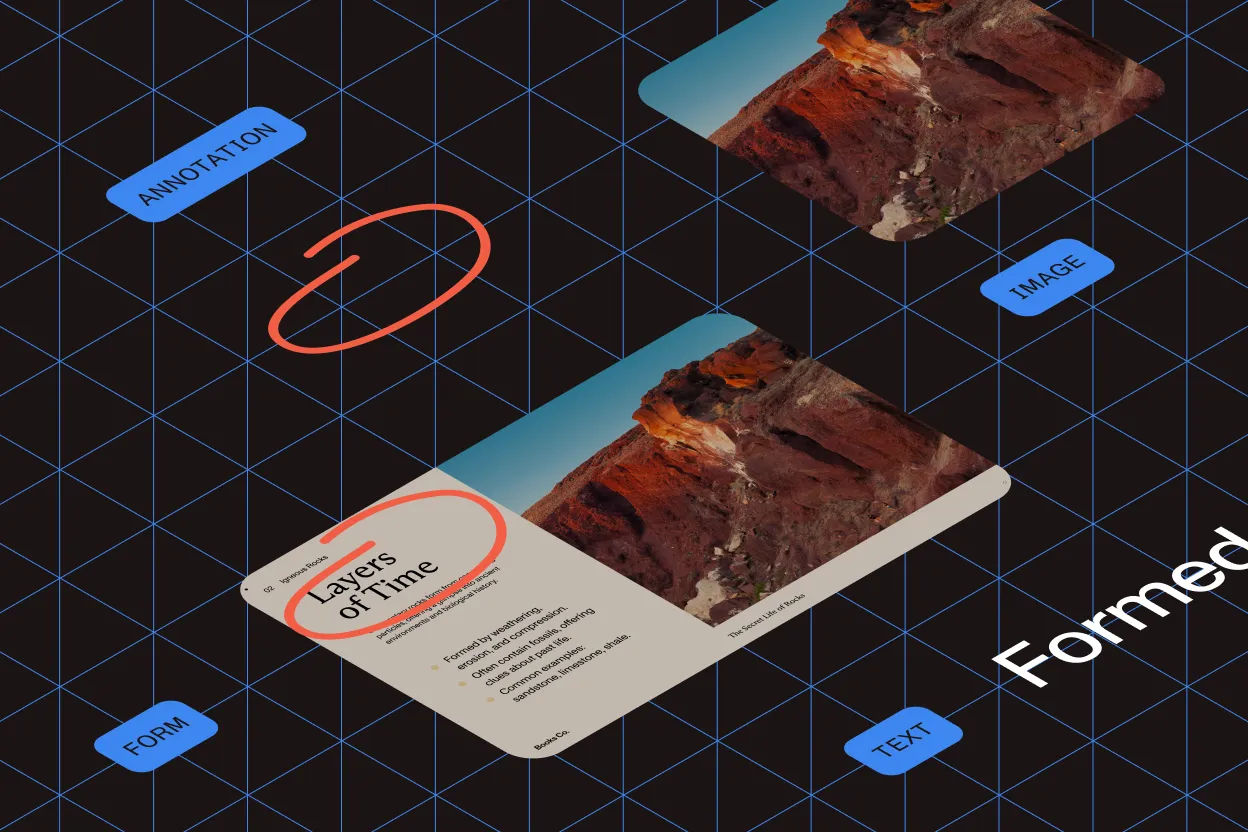
Organize documents into chapters, sections, figures, tables, and footnotes with a logical hierarchy that assistive technologies can navigate.
Tag information
Add alternate text for images, titles for figures and tables, and metadata for sections, including headings, font size, and styling.
Content distinction
Distinguish between meaningful page content and decorative elements like backgrounds, borders, and watermarks that should be ignored by screen readers.
ISO 14289
PDF universal accessibility
PDF/UA (ISO 14289) defines the technical specifications for creating, viewing, and validating accessible PDF documents. It ensures compatibility with assistive technologies and supports long-term archiving (PDF/A). Required for legal compliance in many jurisdictions.
Why validate?
Accessibility cannot be determined by visual inspection. Formal validation confirms PDF/UA conformance and ensures documents work with screen readers and assistive devices.
Automatic validation
Detect structural and technical issues that affect compliance. Automated tools check tag hierarchy, reading order, and required metadata.
Human validation
Review semantic meaning, logical reading order, and language accuracy. Identify context-dependent errors that automated tools cannot catch.
Benefits
Easy extraction
Extract text and graphics reliably from tagged documents for repurposing content.
Better processing
Enable searching, indexing, and spellchecking with properly structured text.
Structure preservation
Maintain document hierarchy when converting to HTML, XML, or other formats.
Adaptive reflow
Content reflows to fit different screen sizes and mobile devices.
Screen reader support
Enable assistive technologies to read documents in the correct logical order.
Section 508 compliance
Meet U.S. federal accessibility requirements for electronic documents.
WCAG 2.0 alignment
Satisfy web accessibility guidelines through PDF/UA conformance.
Semantic reuse
Leverage document structure for automated workflows including redaction.
get started
How to use
Download and install the GdPicture.NET package to access compiled demo applications and multi-language sample projects with full source code.
Explore demo apps
Find compiled demo applications in
\Samples\Bin\.Explore multi-language source code
Find C# and VB.NET demo apps and source code in
\Samples\WinForm\.Visit reference guide
Explore other code snippets within the online reference guide.
Example of usage
The example creates a tagged PDF document with some text and an image.
using GdPicturePDF gdpicturePDF = new GdPicturePDF();// Set the measurement unit and the origin.gdpicturePDF.SetMeasurementUnit(PdfMeasurementUnit.PdfMeasurementUnitMillimeter);gdpicturePDF.SetOrigin(PdfOrigin.PdfOriginTopLeft);// Create a new PDF document.gdpicturePDF.NewPDF();// Add a new A4-sized page to the document.gdpicturePDF.NewPage(PdfPageSizes.PdfPageSizeA4);// Set the font and the font size to be used in the PDF document.string fontResourceName = gdpicturePDF.AddTrueTypeFontU("Arial", false, false, true);gdpicturePDF.SetTextSize(18);// Load the image to be used in the PDF document.string logo = gdpicturePDF.AddJpegImageFromFile("C:\temp\logo.jpg");// Set the title.gdpicturePDF.SetTitle("Company Logo");// Set the language.gdpicturePDF.SetLanguage("en-US");// Determine the ID of the root tag.int tagRootId = gdpicturePDF.GetTagRootID();// Create a section tag for the document content.int tagSection = gdpicturePDF.NewTag(tagRootId, "Sect");// Add text to the section.gdpicturePDF.BeginMarkedContentSequence(tagSection, "Span");gdpicturePDF.DrawText(fontResourceName, 20, 60, "The company logo is");gdpicturePDF.EndMarkedContent();// Create a figure tag within the section and set its properties.int tagLogo = gdpicturePDF.NewTag(tagSection, "Figure");gdpicturePDF.SetTagAlternateDescription(tagLogo, "This is the company logo.");// Add the image to the figure tag.gdpicturePDF.BeginMarkedContentSequence(tagLogo, "Figure");gdpicturePDF.DrawImage(logo, 80, 80, 40, 40);gdpicturePDF.EndMarkedContent();// Save the output in a PDF document.gdpicturePDF.SaveToFile(@"C:\temp\output.pdf");Using gdpicturePDF As GdPicturePDF = New GdPicturePDF() ' Set the measurement unit and the origin. gdpicturePDF.SetMeasurementUnit(PdfMeasurementUnit.PdfMeasurementUnitMillimeter) gdpicturePDF.SetOrigin(PdfOrigin.PdfOriginTopLeft) ' Create a new PDF document. gdpicturePDF.NewPDF() ' Add a new A4-sized page to the document. gdpicturePDF.NewPage(PdfPageSizes.PdfPageSizeA4) ' Set the font and the font size to be used in the PDF document. Dim fontResourceName As String = gdpicturePDF.AddTrueTypeFontU("Arial", False, False, True) gdpicturePDF.SetTextSize(18) ' Load the image to be used in the PDF document. Dim logo As String = gdpicturePDF.AddJpegImageFromFile("C:\temp\logo.jpg") ' Set the title. gdpicturePDF.SetTitle("Company Logo") ' Set the language. gdpicturePDF.SetLanguage("en-US") ' Determine the ID of the root tag. Dim tagRootId As Integer = gdpicturePDF.GetTagRootID() ' Create a section tag for the document content. Dim tagSection As Integer = gdpicturePDF.NewTag(tagRootId, "Sect") ' Add text to the section. gdpicturePDF.BeginMarkedContentSequence(tagSection, "Span") gdpicturePDF.DrawText(fontResourceName, 20, 60, "The company logo is") gdpicturePDF.EndMarkedContent() ' Create a figure tag within the section and set its properties. Dim tagLogo As Integer = gdpicturePDF.NewTag(tagSection, "Figure") gdpicturePDF.SetTagAlternateDescription(tagLogo, "This is the company logo.") ' Add the image to the figure tag. gdpicturePDF.BeginMarkedContentSequence(tagLogo, "Figure") gdpicturePDF.DrawImage(logo, 80, 80, 40, 40) gdpicturePDF.EndMarkedContent() ' Save the output in a PDF document. gdpicturePDF.SaveToFile("C:\temp\output.pdf")End UsingTrusted by 3,000+ customers and Fortune 500 companies
15Y+
More than 15 years of experience developing our SDK
10K+
Trusted by more than 10,000 developers
Check out our other PDF technologies
Need accessible PDFs on the web?
GdPicture is part of Nutrient, which produces WCAG 2.2 AA and PDF/UA-compliant documents with auto-tagging and screen reader support in its Web SDK.
Frequently asked questions
What are tagged PDFs, and why are they important?
Tagged PDFs contain a structured representation of a document’s content, providing semantic information about elements like headings, paragraphs, tables, and images. This structure is essential for accessibility and for enabling screen readers and other assistive technologies to interpret and navigate documents effectively.
How does the GdPicture.NET PDF SDK facilitate the creation of tagged PDFs?
The SDK allows developers to generate tagged PDFs from scratch, embedding the necessary structural and semantic information into the document. This ensures that the PDFs are not only tagged, but also meet accessibility standards, such as PDF/UA compliance.
What is PDF/UA, and how does the SDK ensure compliance with this standard?
PDF/UA (Universal Accessibility) is an ISO standard that specifies requirements for universally accessible PDF documents. The GdPicture.NET PDF SDK provides tools to generate and validate PDFs against the PDF/UA standard, ensuring that the documents are accessible to users with disabilities and comply with international accessibility regulations.
Can the SDK add tags to existing PDF documents to improve accessibility?
Yes. The GdPicture.NET PDF SDK enables developers to add or edit tags in existing PDF documents. This feature allows for the enhancement of document accessibility by incorporating the necessary structural information into PDFs that were previously untagged or inadequately tagged.
What additional features does the SDK offer to support PDF accessibility?
Beyond tagging, the SDK includes functionalities such as adding alternative text to images, defining reading order, and embedding necessary metadata. These features collectively contribute to creating PDFs that are accessible and user-friendly for individuals relying on assistive technologies.
Does Nutrient use the same tagged PDF technology in GdPicture.NET as in its web and mobile SDKs?
Yes. GdPicture.NET is part of the Nutrient product suite. The tagged PDF engine is consistent across Nutrient’s desktop, web, and mobile SDKs, providing the same PDF/UA and accessibility support regardless of platform.
60-day free trial