DOCUVIEWARE
HTML5 document viewer features
Embed document viewing, annotation, editing, and management in your web application — no plugins or client-side installation required.
FEATURES
HTML5/AJAX CONTROL FILE FORMATS DOCUMENT NAVIGATION THUMBNAILS BOOKMARKS TWAIN ACQUISITION PDF FORM FIELDS ANNOTATIONS ANNOTATION COMMENTS ANNOTATION ACTIONS DIGITAL SIGNATURES PDF REDACTION SEARCH TEXT SELECTION SELECTED TEXT ACTIONS AREA SELECTION ZOOMING ROTATION PRINTING/SAVING API CLIENT API SERVER POWERED BY GDPICTURE.NET MOBILE FRIENDLY EASY TO INTEGRATE WEB UI SNAP-INS LOCALIZATION UNICODE
HTML5/AJAX control
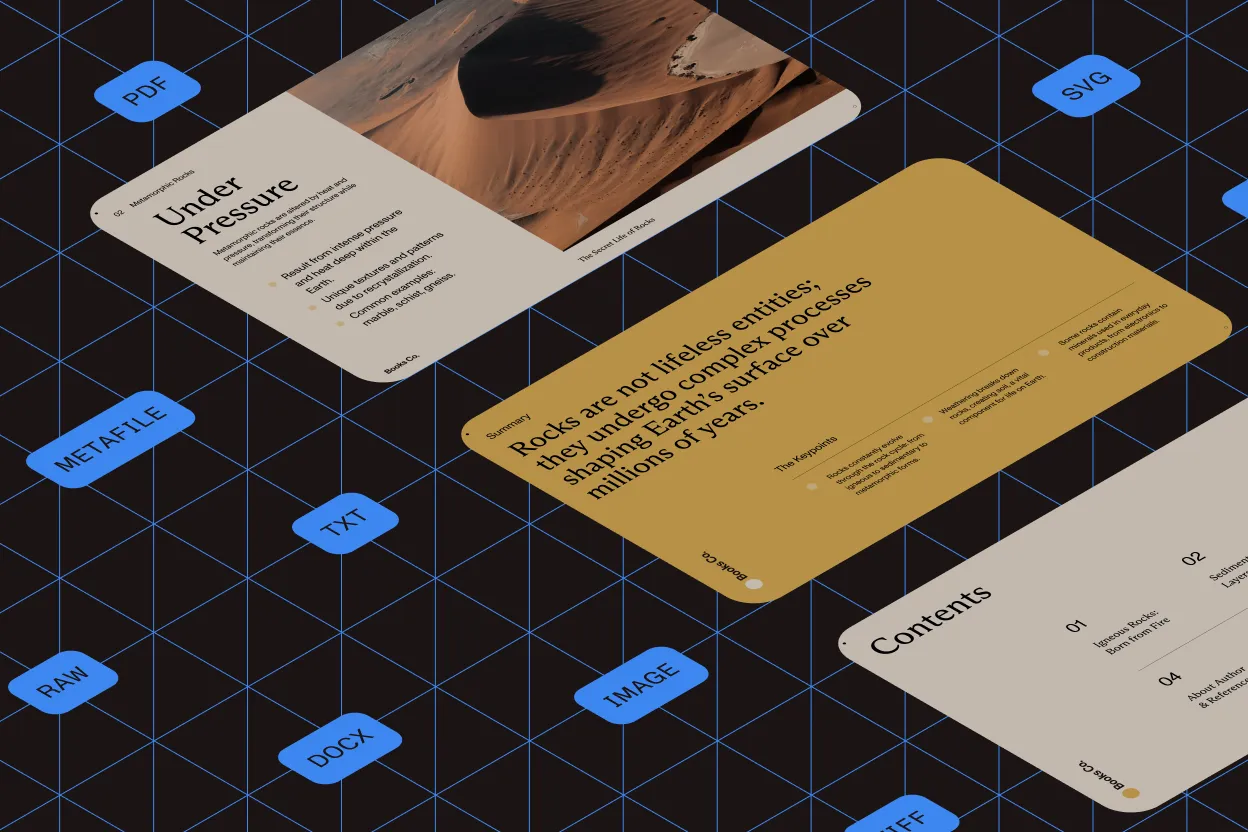
Load PDF, SVG, metafile, TXT, and 100+ raster image formats from local, intranet, or web sources. View documents with thumbnail navigation.
Client/server optimization delivers real-time updates — modifications and annotations appear instantly in both the viewer and thumbnails.
Works on all platforms and devices via any HTML5-compatible browser.

File formats
Support for 100+ file formats, including:
- Documents (DOCX, TXT, PDF, SVG)
- Metafiles (WMF, EMF)
- Raster images (TIFF, JPEG, PNG, JBIG2, JPEG 2000, WebP)
- Camera RAW formats
Save any file as PDF or TIFF.

Thumbnails
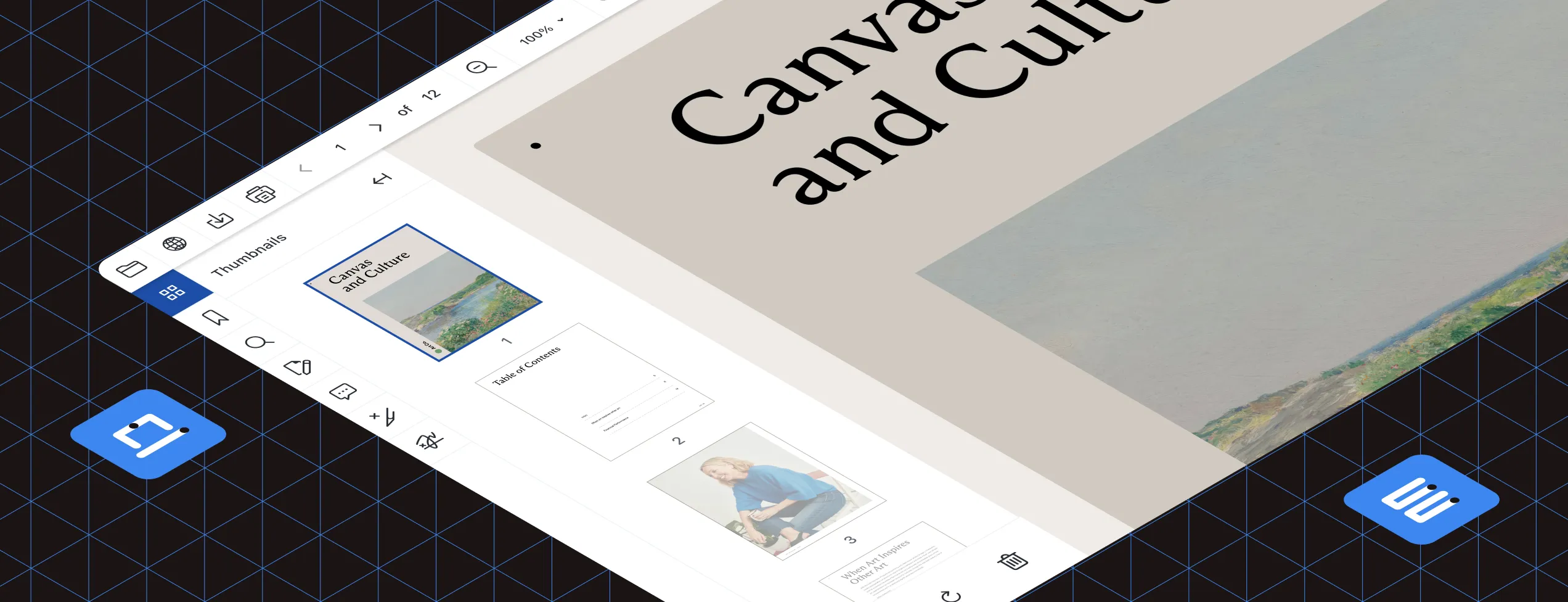
Resizable thumbnail sidebar with adjustable thumbnail sizes. Select multiple pages in multipage documents using Control-click. Then:
- Print selected pages only
- Save selected pages as a single file
- Apply batch processing (deskew, punch hole removal, etc.) to all selected pages
PDF bookmarks
Navigate bookmark-structured PDFs by clicking any bookmark to jump directly to that section or chapter.
TWAIN scanning
Enable document scanning for Windows users with any TWAIN-compliant device. Users can create new documents or append pages to existing ones using the scanner’s native interface for full control over scan settings.
PDF form fields
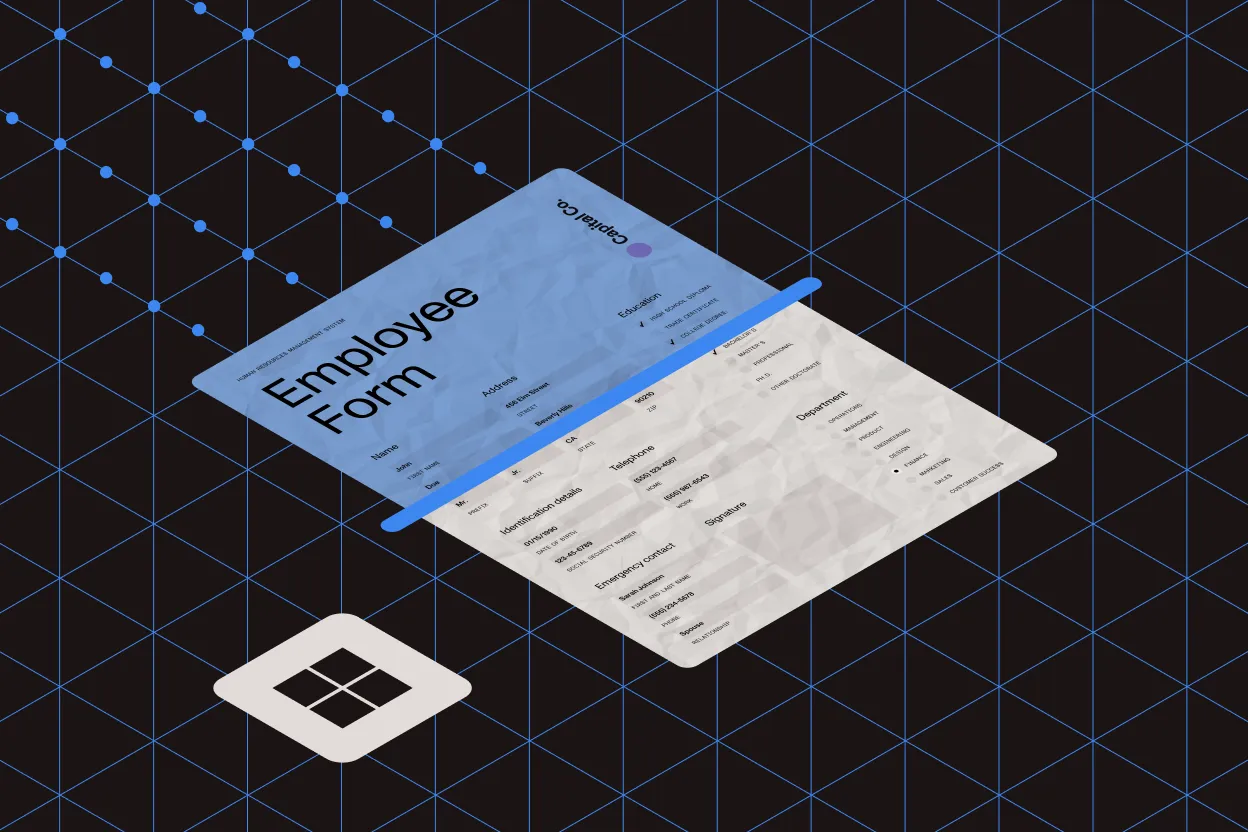
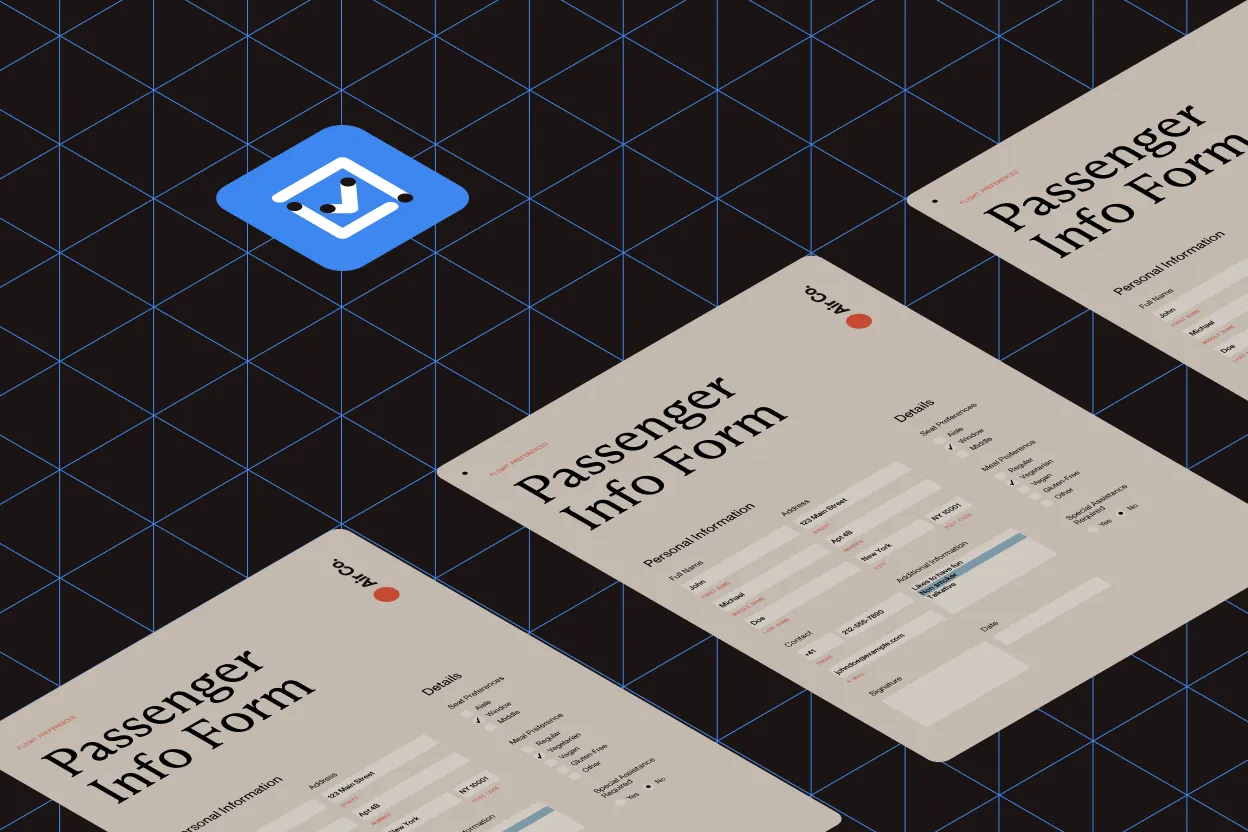
Display interactive PDF form fields and let users fill in data directly in the browser. Read and write form field data server-side with the GdPicture.NET API.
Annotations
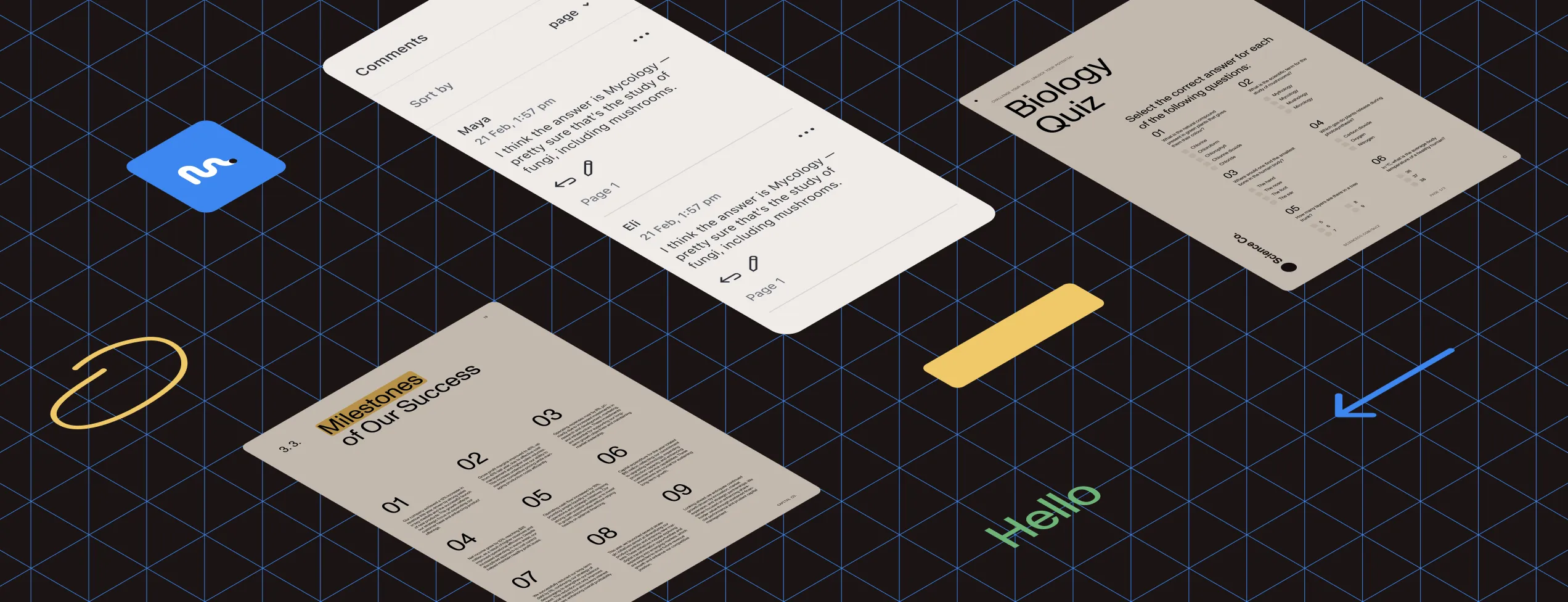
Add annotations to PDFs and images (100+ formats) using built-in tools: highlighter, rectangle, ellipse, rubber stamp, line, arrow, text, sticky note, freehand, freehand highlighter, and ruler.
Customize annotations to match your requirements — changes update instantly in thumbnails. Store annotations separately or burn them into the file.
Annotation comments
Add comments to annotations for document review and collaboration. Works on all supported formats. Store comments separately or embed them as document metadata.
Annotation actions
Edit, remove, and comment on annotations using a compact toolbar that works consistently across desktop and mobile. Extend the built-in action menu with custom actions.
Digital signatures
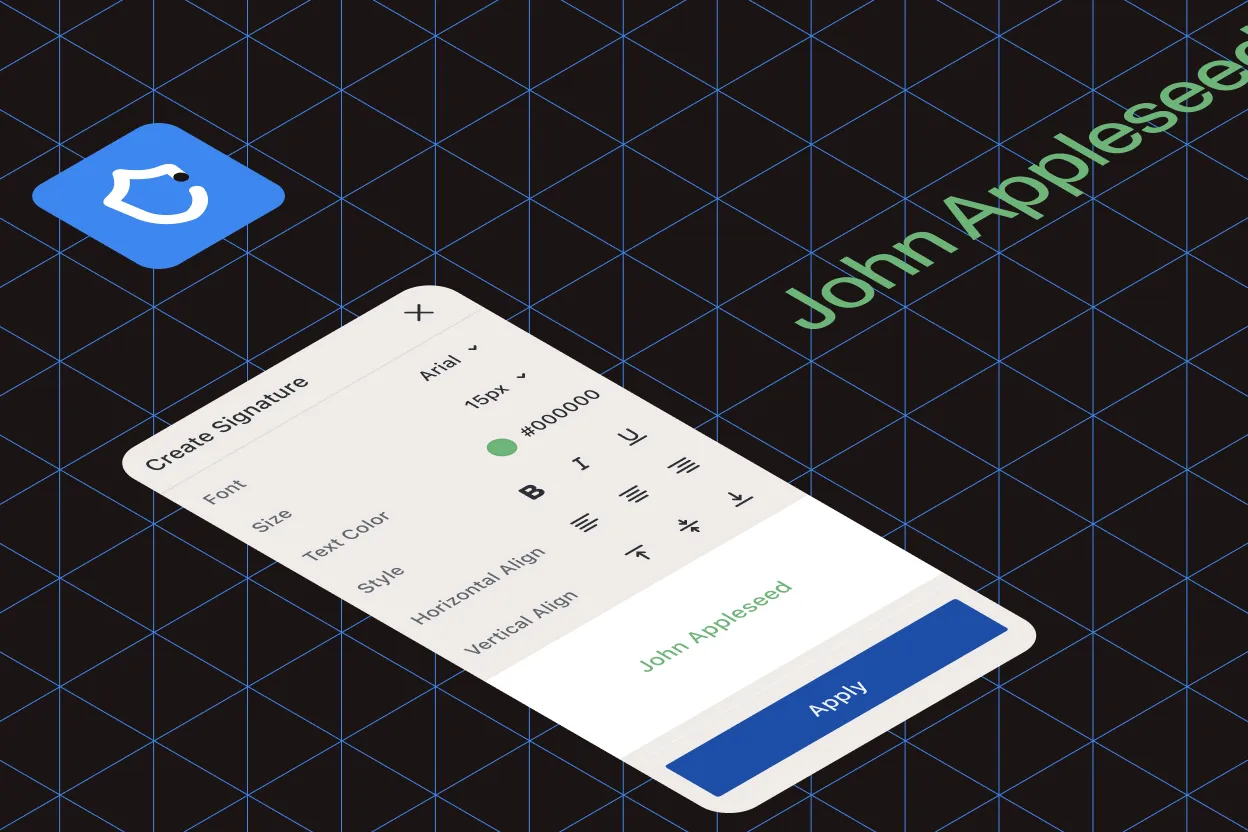
Create, display, and customize high-resolution digital signatures by writing, drawing, or importing an image. Add certificates for security and compliance.
Supports multiple signatures, timestamps, and modern encryption algorithms. Available as a snap-in.
PDF redaction
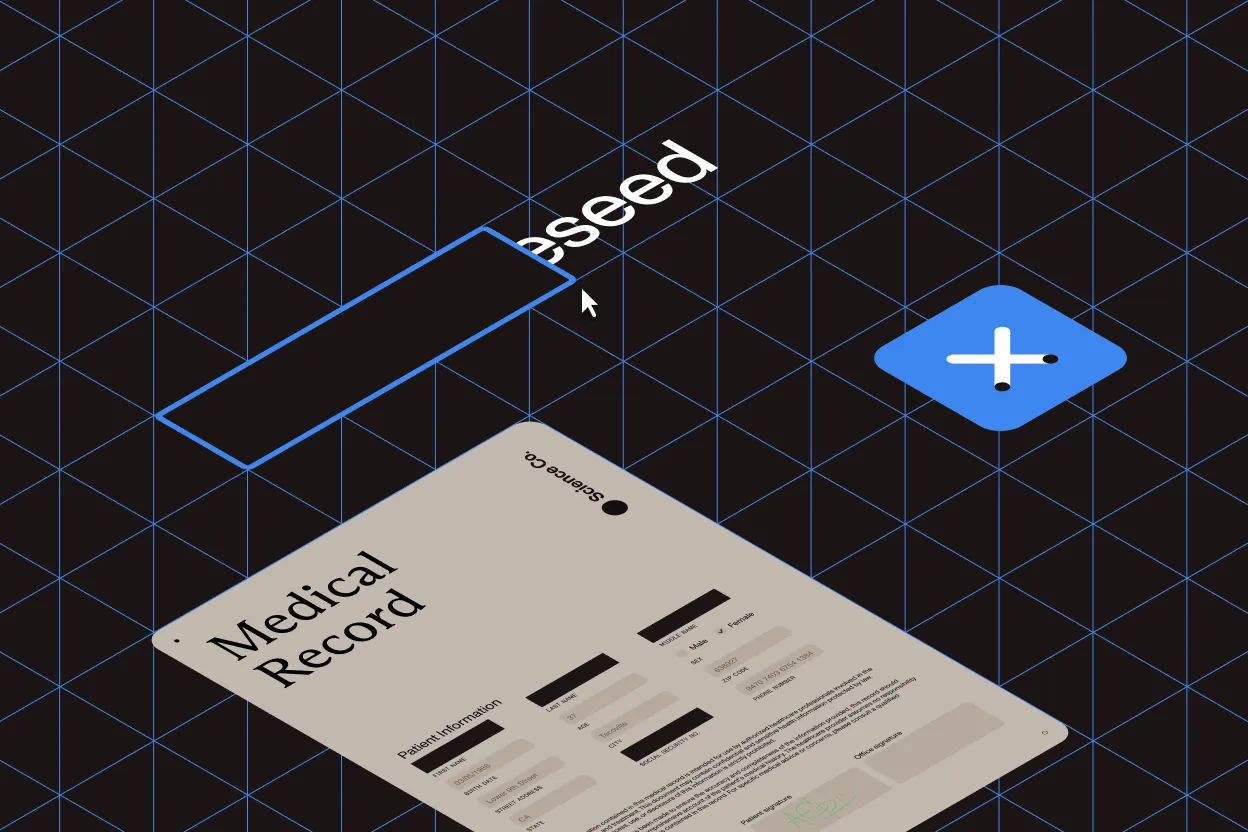
Permanently remove sensitive information from PDF files. Define redaction areas with custom parameters, titles, and comments. Once applied, redacted content cannot be recovered.
Try the redaction snap-in in our custom viewer, annotations, gallery, and other demos.
Document search
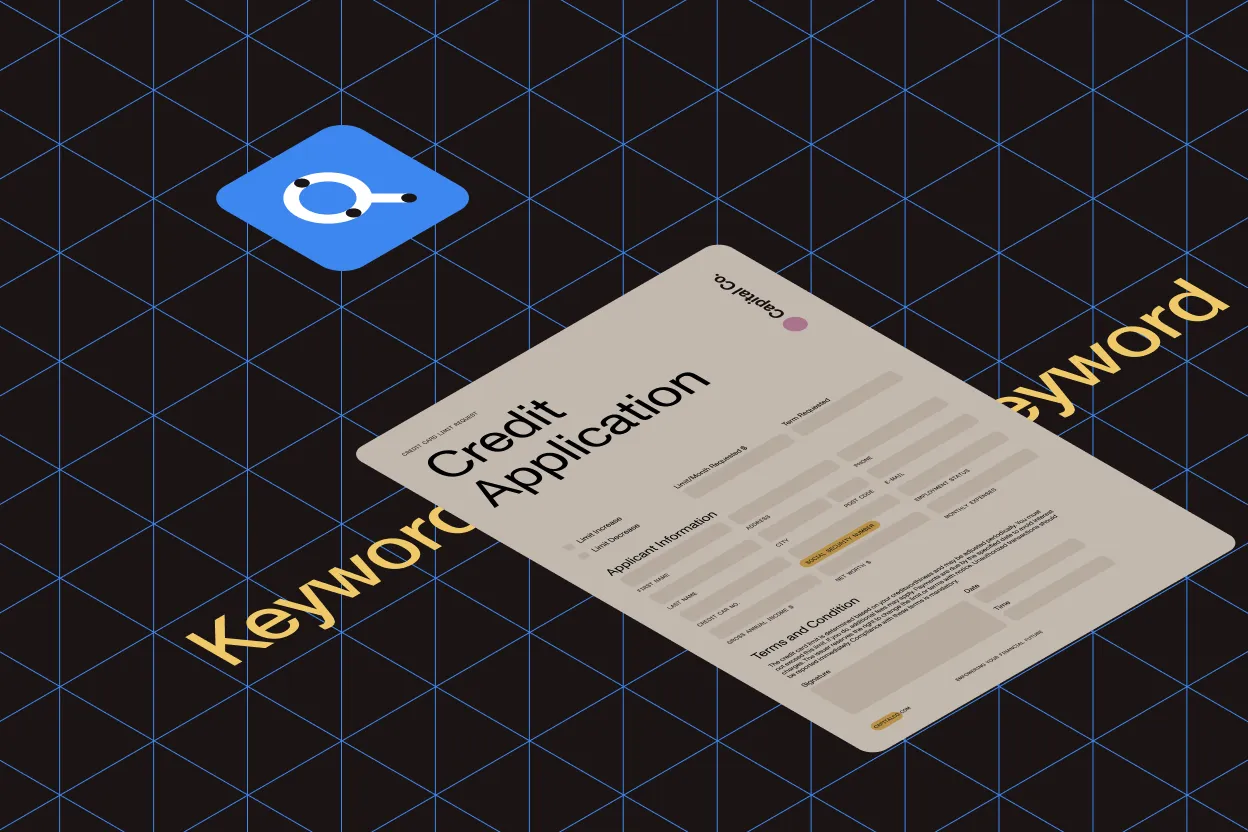
Search within documents with whole-word and case-sensitive options. Search the current page or the entire document. Results display with surrounding context for quick relevance assessment.
Text selection
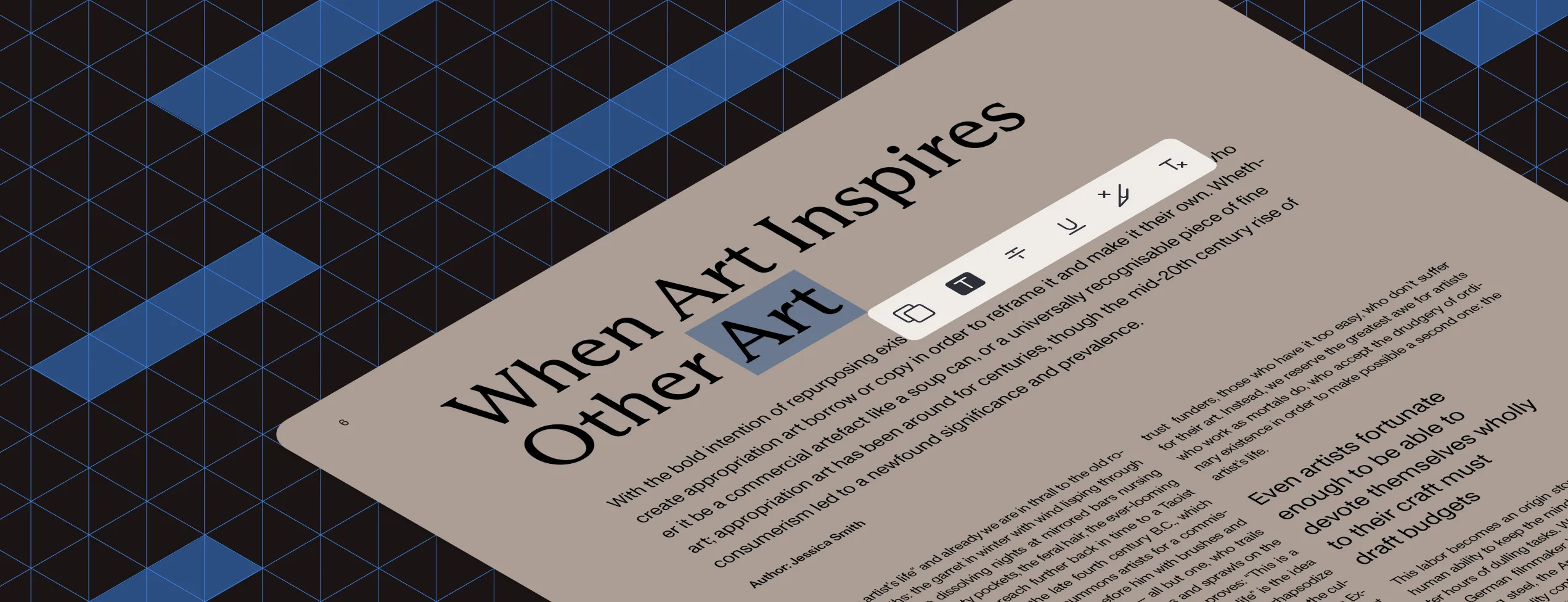
Select text in searchable documents and copy to clipboard. Highlight, strikeout, or underline selected text, or apply custom operations.
Selected text actions
Right-click selected text to access built-in actions: copy to clipboard, highlight, cross out, or underline. Extend the context menu with custom actions using the API.
Area selection
Select a rectangular region on an image to apply image filters to that area only.
Smooth zooming
Zoom in and out on documents and images with high-quality rendering at every zoom level.

Rotation
Rotate document views without quality loss.
Printing and saving
Print documents with or without annotations. Print a page range or select specific pages using Control-click on thumbnails.
Save documents and images locally as single-page or multipage PDF or TIFF. Select pages with Control-click and save as a new file.

Client-side and server-side APIs
Control the UI with JavaScript on the client side. Offload document processing to the server for better performance on user devices.
Client-side API
Control UI elements and document appearance (rotation, zooming, and more) with JavaScript. Refer to the custom toolbars demo for client-side interactions, or the image cleanup demo to compare client-side actions (rotate) with server-side processing (auto-deskew, punch hole removal).
Server-side API
All document processing runs server-side, keeping client devices responsive. Refer to the image cleanup demo for server-side processing via the AJAX ASP.NET API.
Powered by GdPicture.NET
DocuVieware is built on GdPicture.NET, a comprehensive document imaging SDK. Learn how the two products work together on the integration page.
Mobile optimized
Optimized for tablets and smartphones with a responsive interface.
Simple integration
Add DocuVieware to a webpage with a few lines of code. See the live demo example in our integrating the universal HTML5 viewer article.
Customizable UI
Control the size, color, and visibility of all toolbar elements to create custom interfaces. Refer to the customizable viewer demo for styling examples.
Snap-ins: Modular UI components
Snap-ins are modular UI components that group related features, including thumbnails, bookmarks, search, annotations, comments, redaction, and digital signatures. Enable or disable each snap-in as needed.
Build custom snap-ins to match your requirements. Refer to the barcode recognition demo for an example custom snap-in that lets users select which symbologies to detect.

Automatic UI localization
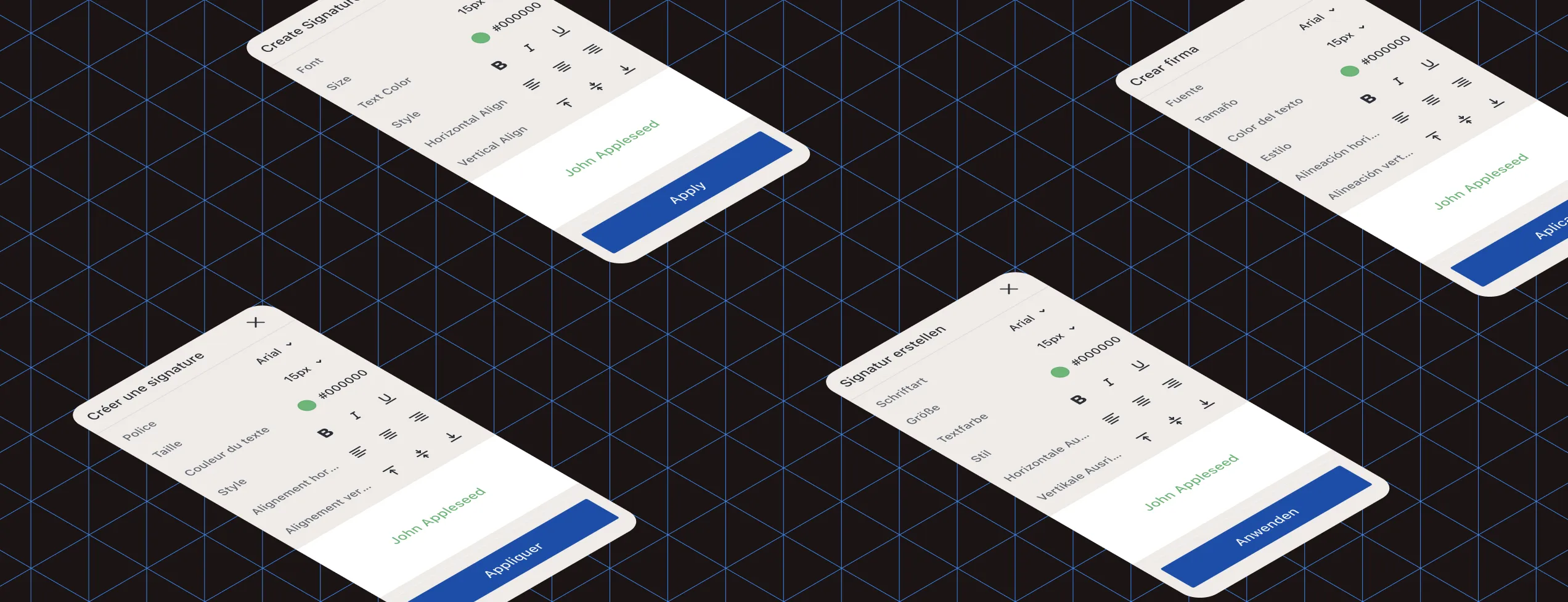
The interface automatically adapts to each user’s preferred language based on their browser settings, with support for 25+ languages, including: English, French, German, Danish, Italian, Spanish, Swedish, Norwegian, Finnish, Korean, Hebrew, Turkish, Slovak, Czech, Slovenian, Arabic, Romanian, Russian, Portuguese, Dutch, Polish, Hungarian, Bulgarian, Greek, Chinese, and Japanese.
Unicode
Complete Unicode support ensures flawless rendering and processing of documents in any language.
Need more information?
Contact our Sales and Support teams. They’ll be happy to help!