
Digital signatures SDK for web applications
Add legally binding digital signatures to PDFs directly in your web app. Let users sign documents with a click, draw their signature, upload an image, or use a certificate-based signature for maximum security. Signatures are cryptographically sealed to ensure document authenticity and prevent tampering.
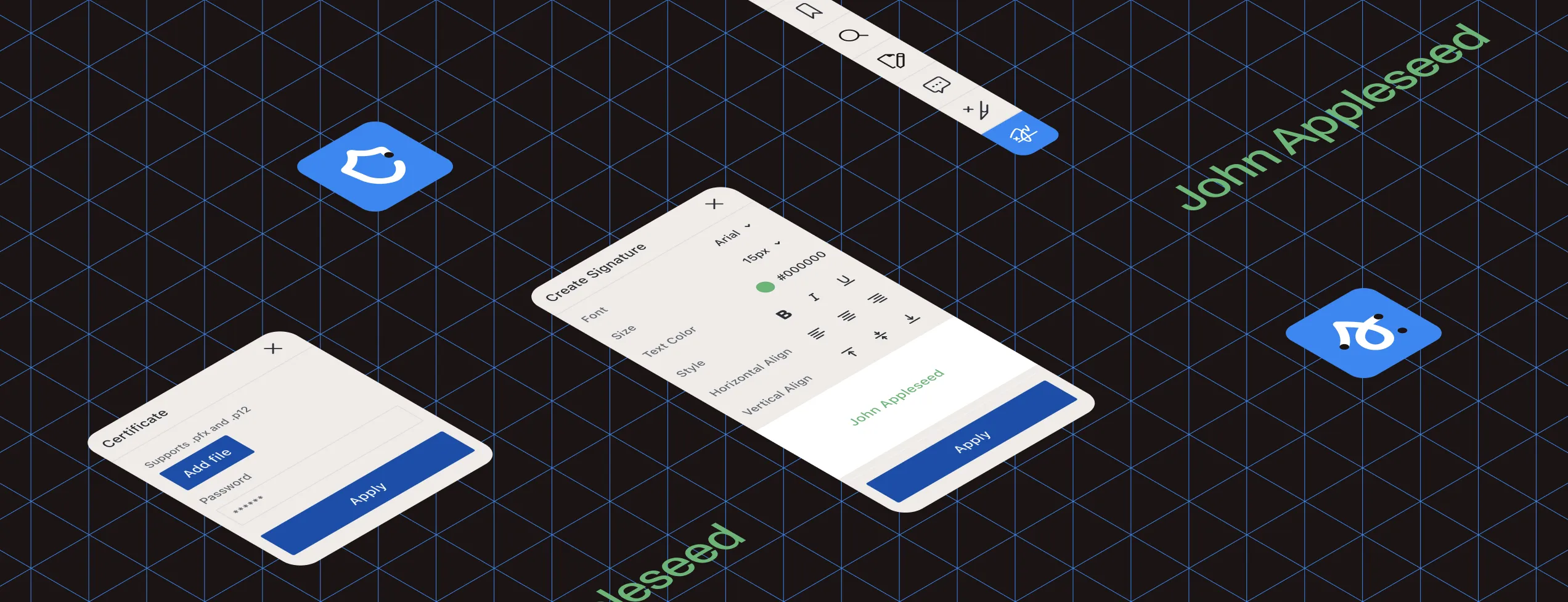
Digital and electronic signatures
The terms “digital signature” and “electronic signature” are often used interchangeably, but they have distinct legal and technical meanings that vary by country. We support all signature types to ensure compliance wherever you operate.
In the European Union, the eIDAS regulation defines three signature levels, each with different legal weight and security requirements.
Simple electronic signature
Quick and easy signing for everyday documents with minimal legal requirements. Users can draw with a mouse or stylus, type their name, or upload a signature image.
Advanced electronic signature
Includes a digital certificate that cryptographically links the signature to the signer, providing stronger proof of identity and document integrity.
Qualified electronic/digital signature
The highest level of legal trust, equivalent to handwritten signatures. Used for notarization, legal filings, and government documents. Requires identity verification by a government-approved certification authority.
Benefits
Powered by the industry-leading GdPicture.NET SDK, with everything you need for enterprise-grade document signing built in.
PDF/A compliance
Export signed documents as ISO-compliant PDF/A (ISO 19005) for long-term archiving and regulatory compliance. PDF/A files are optimized for preservation, they’re searchable, and they take less storage space than TIFF. Apply OCR to scanned documents for full-text search.
Digital certificate support
Certify documents and prevent tampering with modification detection and prevention (MDP). Support for multiple certificate types:
- Public Key Cryptography Standard #12 containers (pfx, p12)
- Windows certificate stores
- Smart cards
Timestamp support
Add RFC3161-compliant timestamps to prove when documents were signed. Configure your timestamp authority with just a server URL, username, and password.
Multiple signatures support
Add or remove multiple signatures in flexible workflows. Support for sequential approval chains and parallel signing.
Encryption
Industry-standard public key cryptography secures every signature. Private keys sign documents, while public keys verify authenticity. Uses the SHA-256 hash algorithm for maximum security.
Customization
Fully customize signature appearance — size, position, color, text, images, and more, with complete control over the user interface to match your brand.
DEMO
Sign documents online with digital signatures
Try it live. Test the complete signing workflow — draw your signature, upload an image, or apply a certificate-based signature. See how timestamps and encryption work in real time.
Loading digital signature viewer...
Integration
Works with your entire tech stack. Integrate seamlessly and deploy on your infrastructure in minutes.
- ASP.NET Web Forms, ASP.NET MVC Razor, ASP.NET Core
- Other web technologies: Angular, AngularJS, Node.js, Blazor, React, Java, PHP, JavaScript/jQuery, SharePoint

60-DAY FREE TRIAL