
Document scanner SDK for web applications
Embed professional-grade scanning into your web app in minutes. Connect to any TWAIN-compatible scanner and capture high-quality documents directly in the browser — no plugins, no downloads, and just a few lines of code.
Next-generation document scanning API
Battle-tested for more than 15 years, this API delivers enterprise-grade document acquisition with zero configuration required. From instant TWAIN scanning and intelligent compression, to automated cleanup and OCR, it powers high-performance capture across any device, browser, or network.
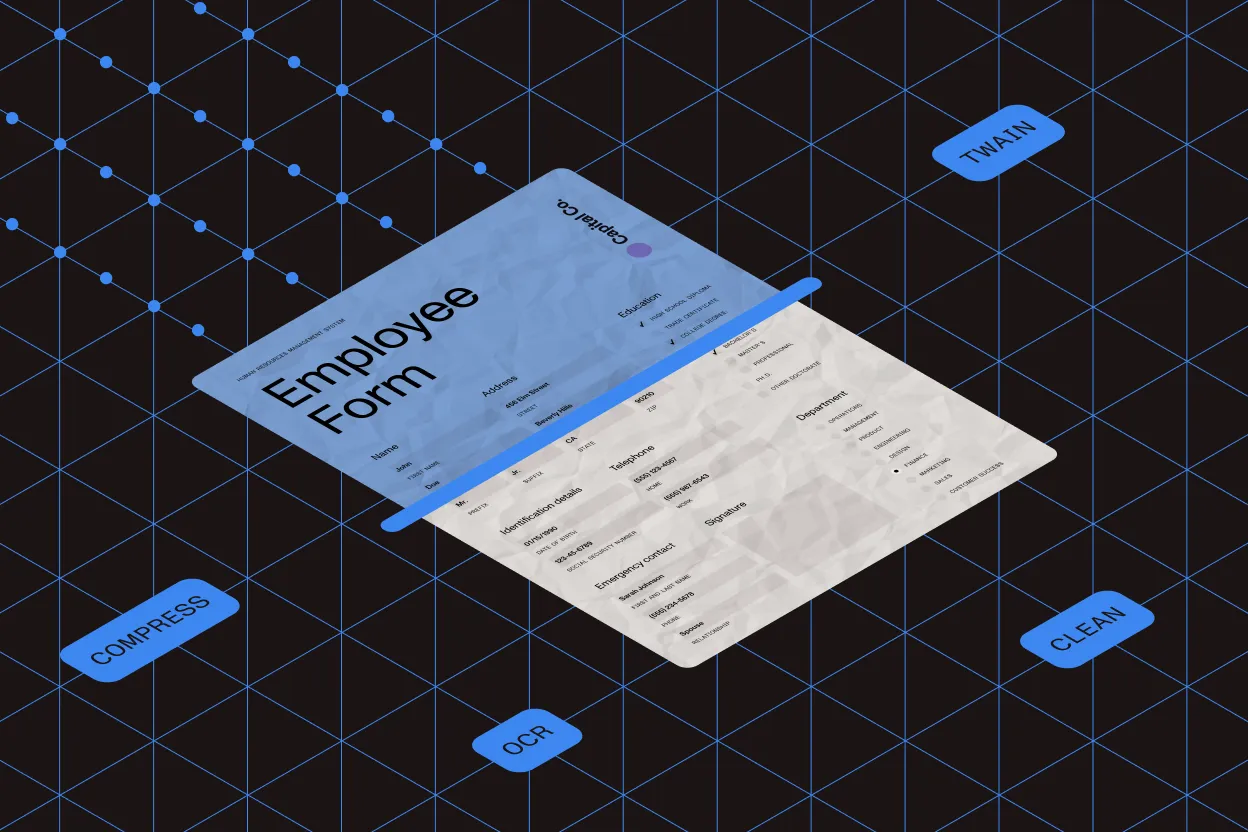
Imaging foundation
Powered by industry-leading imaging technology refined through 15+ years of real-world deployments.
Zero configuration
Start scanning instantly with a dedicated snap-in. No setup, no complexity.
Quick dialog
Launch scanning directly from your toolbar with a simple TWAIN dialog trigger.
Full customization
Take complete control with high- and low-level APIs that adapt to any workflow.
Device compatibility
Works seamlessly with any 32-bit or 64-bit TWAIN device — guaranteed.
Driver integration
Choose your integration path: native drivers or a lightweight JavaScript TWAIN API.
Smart compression
Reduce file sizes by up to 80 percent while maintaining crystal-clear image quality.
High-volume scanning
Built for speed. Process thousands of documents with optimized bulk capture and maximum throughput.
Intelligent transfer
Smart mode selection automatically chooses the fastest TWAIN transfer method for your system.
Instant export
Export scanned documents immediately as PDF/A or TIFF — ready for archival or processing.
Automated cleanup
Perfect every scan with automatic deskew, rotation, border removal, and blank-page detection.
Advanced processing
Unlock additional intelligence with built-in OCR, barcode reading, and document classification.
Why choose the web document scanner SDK
Reduced time to market
Ship faster with the only all-in-one SDK you’ll ever need. Everything is included — PDF processing, OCR, format conversion, and the complete GdPicture.NET document imaging suite. No juggling multiple vendors or stitching together disparate tools.
Continuous development and delivery
Always stay current with the latest scanning technologies and security updates delivered automatically to your SDK.
Ease of use
We’ve simplified the complex TWAIN specification so you don’t have to. Integrate professional web scanning in minutes with just a few lines of code. Device compatibility across 32-bit and 64-bit? It’s handled automatically.
GET STARTED
Simple integration in four steps
Scanning from any TWAIN device takes just four simple steps — no complex setup required.
Installation
Install a lightweight connector to bridge your web app and TWAIN devices. It’s a one-click install that runs silently in the background on Windows.
Triggering
Launch the scanner driver interface (32-bit or 64-bit compatible) and configure your scanning settings — resolution, color mode, duplex, and more.
Processing
Transform scanned documents with 3,000+ built-in functions. Enhance, compress, extract data, apply OCR, or chain multiple operations — all through simple API calls.
Saving
Export instantly as archival-quality PDF/A for long-term compliance, or as multipage TIFF for maximum compatibility.
DEMO
Scan documents from a local TWAIN scanning device
See it in action. Connect your scanner and capture documents directly in your browser — no installation required for this demo.
Loading TWAIN viewer...
Integration
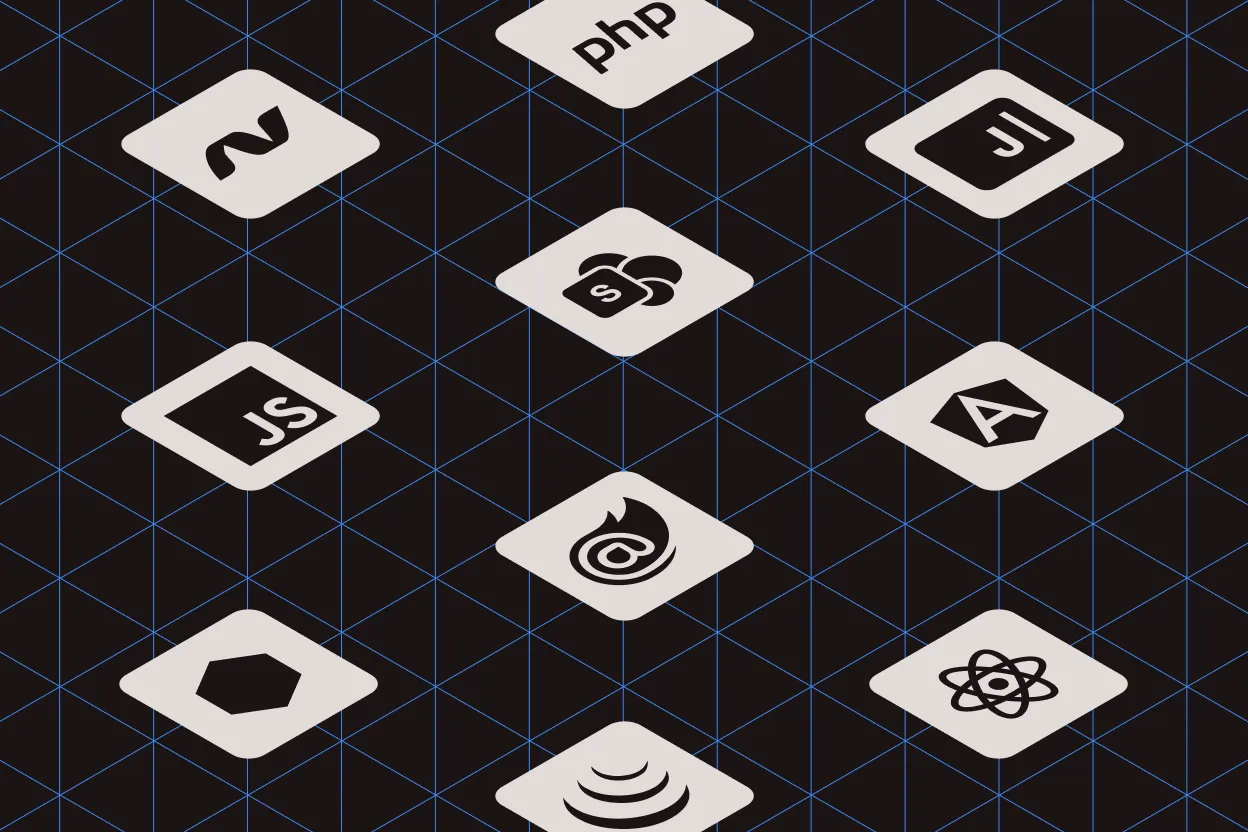
Works with your entire tech stack. Integrate seamlessly into any web application and deploy on your infrastructure.
- ASP.NET Web Forms, ASP.NET MVC Razor, ASP.NET Core
- Other web technologies: Angular, AngularJS, Node.js, Blazor, React, Java, PHP, JavaScript/jQuery, SharePoint
60-DAY FREE TRIAL