Printer SDK
GdPicture’s Document Printer SDK offer a wide range of printing capabilities including single page and multi-page document support (TIFF – PDF), printer dialog boxes, printer selection, print quality mode, printing alignment, paper tray selection and more.
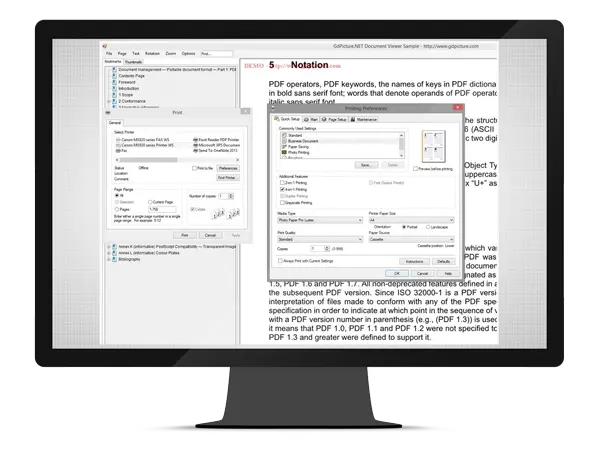














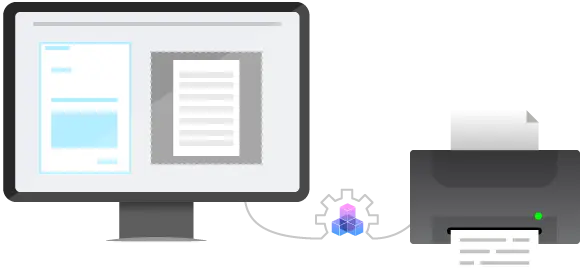
Main features of the Document Printer Software
How to use
Download and install GdPicture.NET package from here.
You will be able to find a compiled demo applications in
[Install directory]\samples\Bin\
You will be able to find C# and VB.NET demo applications including source code in
[Install directory]\samples\AnyCPU\
You will find other code snippets within the online reference guide found here
https://www.gdpicture.com/guides/gdpicture/
You can find some discussions about Forms Processing in the dedicated section of our community forums located here