New formats support in GdPicture.NET and DocuVieware SDKs: HEIF/HEIC, EML, and MSG

Table of contents
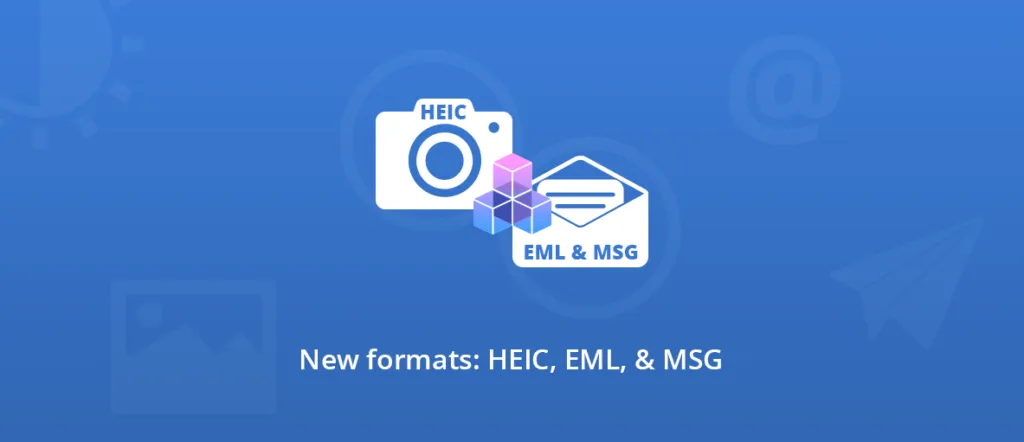
Within the last month, we have added a new image and two new email formats to our list. You will now find HEIF/HEIC, EML, and MSG in our toolkit offer for desktop, Web, and cloud development.
HEIF/HEIC
High Efficiency Image File Format (HEIF) is a container to store an image or a sequence of images in a single file. It is designed to be extremely lightweight and efficient.
High Efficiency Image Coding (HEIC) is the variant that Apple uses in its iOS and macOS operating systems.
The performances (smaller size, better quality) of these formats are often superior to other image formats like JPEG and JPEG 2000, especially for large pictures.
Since .heic adoption by Apple as default image storage format in 2017 (with the introduction of iOS 11) to gradually replace JPEG, support on other platforms and devices is growing.
However, there is still room for improvements with browsers and online applications.
At the moment, no browser is supporting HEIC natively. Another example is Facebook, where we can upload HEIF-type files, but they are directly converted to JPEG or WEBP on display.
Email formats support
EML
EML is a shortened version for the word email. It is the standard format used by Microsoft Outlook Express, Thunderbird, and Windows Live Mail.It was developed to comply with the standard RFC 5322(opens in a new tab), so it can be used with most email clients and applications. However, there is no specification available because il is commonly considered to be an extension of IMF (Internet Message Format)(opens in a new tab) as defined in RFC 5322.
EML files are usually simple text files and can be opened in Notepad or a web browser, either by changing the extension from eml to txt or HTML, or by changing the file association to Notepad.
They store each message as a single file, and attachments can either be included as MIME content in the message or written off as a separate file, referenced from a marker in the EML file.
MSG
MSG (Microsoft Outlook Item) is the extension supported by Microsoft Outlook in the following products: Microsoft Exchange Server 2003-2013 and Microsoft Office Outlook 2003-2013. Its specification is covered by the Microsoft Interoperability Program(opens in a new tab).
The .msg file format can store a single Message object (like an email, an appointment, a contact, a task, and more), in a file. Attachment objects, are also present in the file.
Email format SDK features
Size adjustments
- EmailPageHeight Property (GdPictureDocumentConverter)(opens in a new tab)
- EmailPageMarginBottom Property (GdPictureDocumentConverter)(opens in a new tab)
- EmailPageMarginLeft Property (GdPictureDocumentConverter)(opens in a new tab)
- EmailPageMarginRight Property (GdPictureDocumentConverter)(opens in a new tab)
- EmailPageMarginTop Property (GdPictureDocumentConverter)(opens in a new tab)
- EmailPageWidth Property (GdPictureDocumentConverter)(opens in a new tab)
Attachments
You can choose to view, save, and print attachements, they will appear after the email.
Online demo
Try our DocuVieware(opens in a new tab) demo gallery with your documents.
[WP-Coder id="40"]
Download GdPicture.NET(opens in a new tab)
You can learn more about HEIF/HEIC(opens in a new tab), EML(opens in a new tab), and MSG(opens in a new tab) formats on the Library of Congress website(opens in a new tab).You will find the full list of formats supported by our SDK on this page(opens in a new tab).
Let us know(opens in a new tab) if you have any questions or requests!
Cheers,
Elodie, Guest Author